Your business,
beautifully shared.
Build a stunning catalog of what you sell, share one link, and let customers order or inquire in a single tap, straight on WhatsApp. Keep 100% of every sale.
Start free, no card · Live in 5 minutes · Cancel anytime


What your customers see
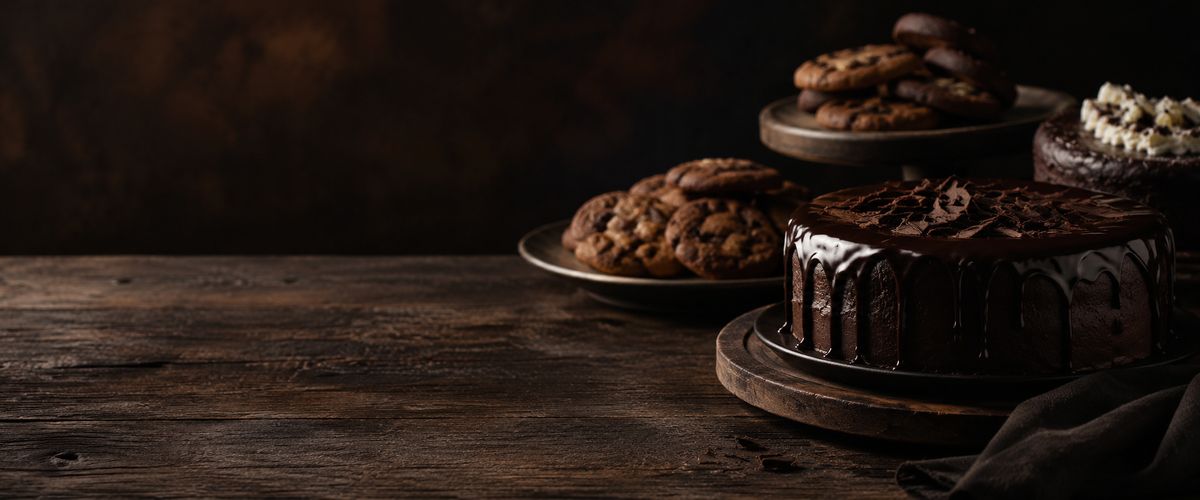
For shops of things, from flowers and clothes to perfume and phones: your products in a photo grid.
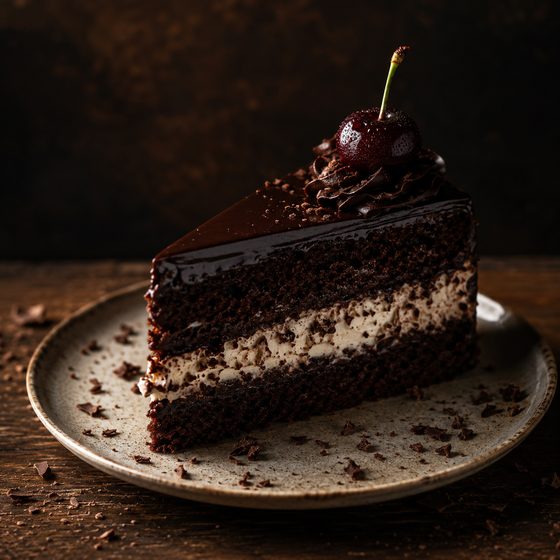
For salons, clinics, consultants and every service: an About block on top, then each service with its time, its price and a Book button.
Pick a look, Midnight, Paper or Brand Tint, and your color. Your photos frame themselves, and there is nothing to design.
How an order reaches you
On WhatsApp
The order arrives in your chat as one message, with its order code, in your customer's language. You answer right there.
Straight to Pluvika
The order lands in your Orders list, and you get a push and an email. Your customer gets a tracking page with your one-tap updates, and no app to install.
You choose the channel in Settings, and you can change it any day.
- Inquiry
- No cart: customers ask about an item on WhatsApp, and services take booking requests.
- Browse
- A showcase with one contact button, for work you show rather than sell.
Four steps, about five minutes
- 1
Business basics
The basics customers will see at the top of your page.
- 2
Catalog mode
Pick how your page works. You can change this anytime.
- 3
Location & delivery
How you serve customers and how they pay you.
- 4
Branding & hours
Add your look and opening hours. All optional, you can change it anytime.
Publish when you're readyA beautiful catalog at your own pluvika.com link, ready to share.
Made for your kind of business
Stop losing a third of every sale.
Delivery apps can take 25–35% commission on every order. On a 50 AED cake, that's about 15 AED gone before you've paid for a thing. Pluvika is a flat subscription. You keep the whole sale, and you own the relationship with your customer.
Delivery apps
25–35%
taken from every single order
- A cut of money you already earned
- They own your customer, not you
- You compete with everyone on their app
Pluvika
0% commission. Ever.~$9 / month
flat, no matter how much you sell
- Keep 100% of every sale
- Your customers, your relationship
- Your own beautiful page and link
Pricing
Simple and flat. No commission, ever.
Start free and upgrade when you're ready. One predictable price, never a cut of your sales.
Free
Everything you need to get going.
- 3 products
- Powered by Pluvika badge
- Free forever, no card
Pro
For growing businesses.
- Everything in Free
- Unlimited products
- Remove the Pluvika badge
- Priority email support
Business
For established brands.
- Everything in Pro
- Your own custom domain
- Advanced analytics
- Early access to new features
Try Pro or Business free for 14 days. Card required; nothing is charged before day 15; cancel anytime before.
Twenty languages
Every word Pluvika writes on your page and in its WhatsApp messages comes in your customer's own language.
- English
- العربية
- Español
- Português
- हिन्दी
- Français
- Bahasa Indonesia
- اردو
- Deutsch
- Polski
- Türkçe
- Filipino
- Kiswahili
- Ελληνικά
- Italiano
- فارسی
- Русский
- Tiếng Việt
- ไทย
- বাংলা
Questions shop owners ask
What does Pluvika cost, and is there a commission?
There are three plans: Free, Pro at $9 a month and Business at $19 a month. Free costs nothing for as long as you keep it, with no card. Pro and Business start with 14 days free to try: you give a card at the start, and nothing is charged before day 15. There is no commission: Pluvika never takes a share of your orders, whatever you sell.
What happens on day 15 of the trial?
Polar charges the card you gave for the plan you chose, $9 for Pro or $19 for Business, and your plan carries on month by month. If you cancel before day 15, nothing is charged. If you cancel or a payment fails, your page carries on with the Free plan: 3 products on show and the Pluvika badge; the rest are hidden, never deleted, and come back when you upgrade.
How does an order reach me, and what is the code?
With On WhatsApp, the default, the customer fills a cart and taps Send order on WhatsApp; WhatsApp opens with the whole order written out, and they press send. The first line is the order code, a short reference such as PLV-7K3M that you can read back on the phone, and the last is a link to the order's tracking page. Either way, Pluvika keeps every order in your Orders list under its code.
How do I cancel?
On your dashboard, open Manage subscription under Your plan and cancel there. Your plan stays until the end of the period you paid for; then your page carries on with the Free plan, and products beyond its limit are hidden from the page, never deleted. If you cancel during the 14 days of a trial, nothing is charged. To close everything, Delete account in Settings removes your account and cancels any subscription at once.
Your beautiful catalog is five minutes away.
Set it up free, share your link, and start taking orders on WhatsApp today.